Set or change your card PIN
You set your card PIN yourself in the app, and you can change it whenever you like.
How to set a PIN
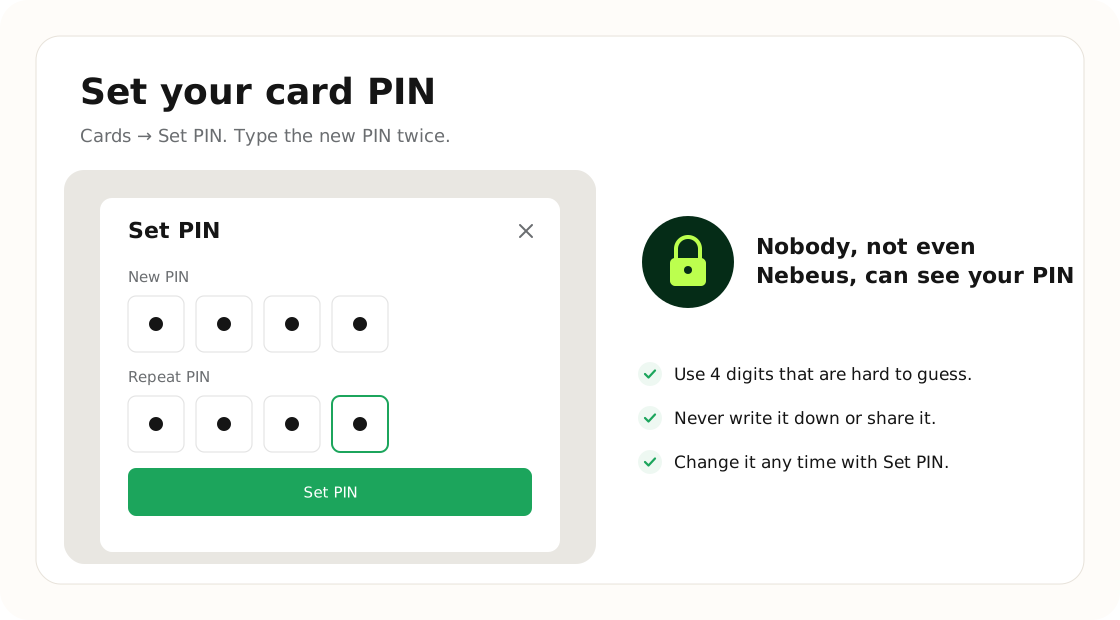
- Open Cards and tap Set PIN under the card.
- Enter a new 4-digit PIN and repeat it.
- Tap Set PIN. The new PIN replaces the old one straight away.
Forgot your PIN?
Just set a new one in the same way. For your security nobody, not even Nebeus, can see a PIN, so we can't tell you your current one.
KEEP IT PRIVATE
Pick a PIN you will remember and never share it with anyone.
Was this article helpful?
Tell us. We use it to improve the docs.